
Tech-Savvy Ways To Enhance Your Online Conversions
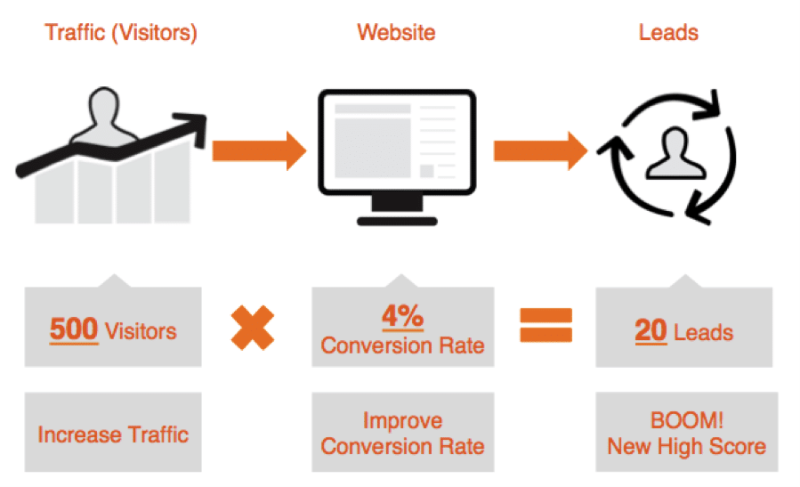
You'll never get the conversion rate you want if you can't get leads with signup forms. If you want people to fill out a form on your website, you have to make it as intuitive as possible. Whether you want to push newsletter signups or free trials, you'll need a form to capture your lead's information. Form usability should always come before appearance. With your business ridding on conversions, your form deserves your attention. Designers should stop worrying about what looks good and concentrate on the user, who only cares about what is intuitive.
The latest trend is to underline the field for text for a minimalist look. Tech-savvy individuals usually rarely have an issue with name or address fields underlined, but are you willing to limit your newsletter signups to tech savvy individuals? Visually impaired users and non-tech savvy individuals on mobile devices often don't know where to tap, leading to them not bothering to complete the form. They may decide signing up isn't worth the effort.
Content dividers and underlined text fields on forms look the same. Underlined fields are hard to tap, causing mistapping issues. Fields should have boundaries to avoid user frustration. Close the text field borders on all sides for best results Studies show users prefer rounded corners as well. People perceive rounded corners as friendlier than square corners.
There are plenty of free form builders online. Google forms are easy to build, but they use underlining for fields. The forms are highly customizable, but you can't change the underlining. Wufoo is also free, but it has limited options. 123ContactForm's easy-to-use form builder is one of the best available. If you're not interested in coding a form yourself, or your budget excludes paying a developer to create one, these are ideal options. You can also use a web design platform that lets you drag and drop a form, although these are usually basic forms you cannot customize. For more information click here https://uxmovement.com/forms/why-you-shouldnt-use-solid-or-underlined-text-fields/.