
How to Find Diverse Fonts that Complement Each Other
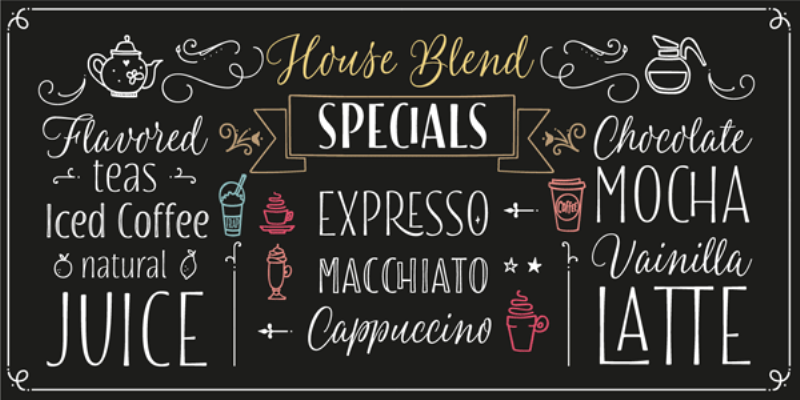
Variety is the spice of life, so they say. Without variation in life, we'd unarguably get bored of things more quickly than ever before.
Computers, smartphones, and other modern devices readily read thousands of different fonts. While some places on the World Wide Web use different fonts on the same page for good reason, most web pages simply switch up fonts for the sake of entertaining visitors. What is there to do if you run out of fonts?
If you have a Mac, get out Pages; if you own a computer that uses Windows, open up Microsoft Word. You'll see that there are dozens upon dozens of fonts to choose from. Keep in mind that these fonts are stock, meaning they came included with your computer when you bought it from the store.
Let's say you work as a website developer and have exhausted all the "good" fonts on a large project you're trying to complete without cutting corners. To find new fonts that you've likely never used - let alone even heard of - searching on the World Wide Web for free packs of fonts that do not come included on Windows or Apple's Pages word processor.
Assume you do not want to use new, foreign fonts that might not be supported by all of your users' web browsers and computers. There is, in fact, one way to get around this obstacle without downloading new fonts or otherwise going out of your way to make things happen. Masterful, sophisticated font pairings for Google
If you're looking for a no-frills approach to font pairing, look to Alegreya and Lato. Although both of them are visibly unique, they blend together remarkably well for web users who are searching for new fonts that aren't so crazy or eclectic that they distract visiting web users from what they're supposed to be focused on - your work!
PT Sans and PT Sans Narrow are modern-looking fonts that rub off favorably on visitors of technology and investment companies' sites, for example. They're also both hot choices for headings. For more information click here https://www.designyourway.net/blog/typography/google-font-pairings/#fonts.