
An In-Depth Look At Radio Buttons and Drop-Down Menus
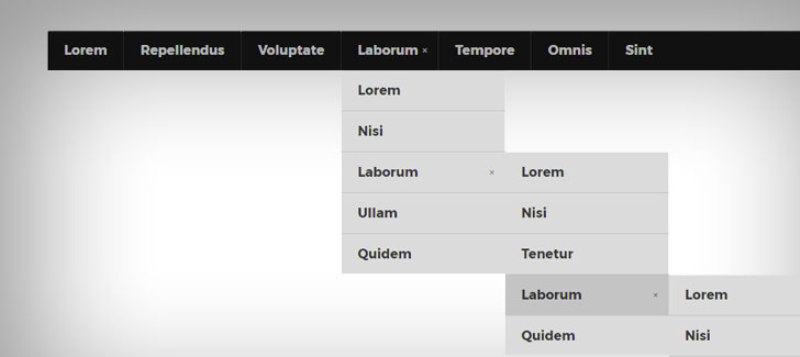
Many interfaces of computers require users to make choices based on preferences. Two common inputs for making these decisions are radio buttons and drop-down menus. Choosing when to use each can be a bit difficult, and it is imperative to choose the correct one in order to improve the user experience.
Radio buttons are like selectable bullet points. All options are visible to the user, and they click on the button for the option they want to activate. These are ideal for multiple choice questions, or questions that have a short list of options. Fewer than 5 options is a good rule of thumb for the number of items to include for a radio buttons list as this will reduce the clutter of having all options visible. A drop down menu for a small number of items would also be a nuisance for a user to have to toggle the menu before selecting an option, and is a waste of time for something that could just be selected with a single click. It is also useful for having to compare multiple options, such as pricing. With radio buttons, multiple options can also be toggled simultaneously simply by clicking the buttons.
Drop-down menus contain a list of selectable items that are revealed after clicking the bar to reveal a drop-down of options. This is useful for condensing long lists into a smaller form factor. It is also useful for highlighting a default option while still allowing the user to change the setting. A drop-down menu is better than a radio button for displaying a long list of related data, such as zoom levels, classes, countries, and more. For exceptionally long lists, it would be useful to include a text box entry to allow a user to quickly search for an expected option, such as when selecting a country or province.
Drop-down menus and radio buttons allow users to make choices. Choosing between the two comes down to the resulting interface and intended presentation to a user. Options should be quick to choose, and clutter minimized. For more information click here https://blog.prototypr.io/7-rules-of-using-radio-buttons-vs-drop-down-menus-fddf50d312d1.